
Description
Unlock Seamless Connectivity with Netgear GS305EPP
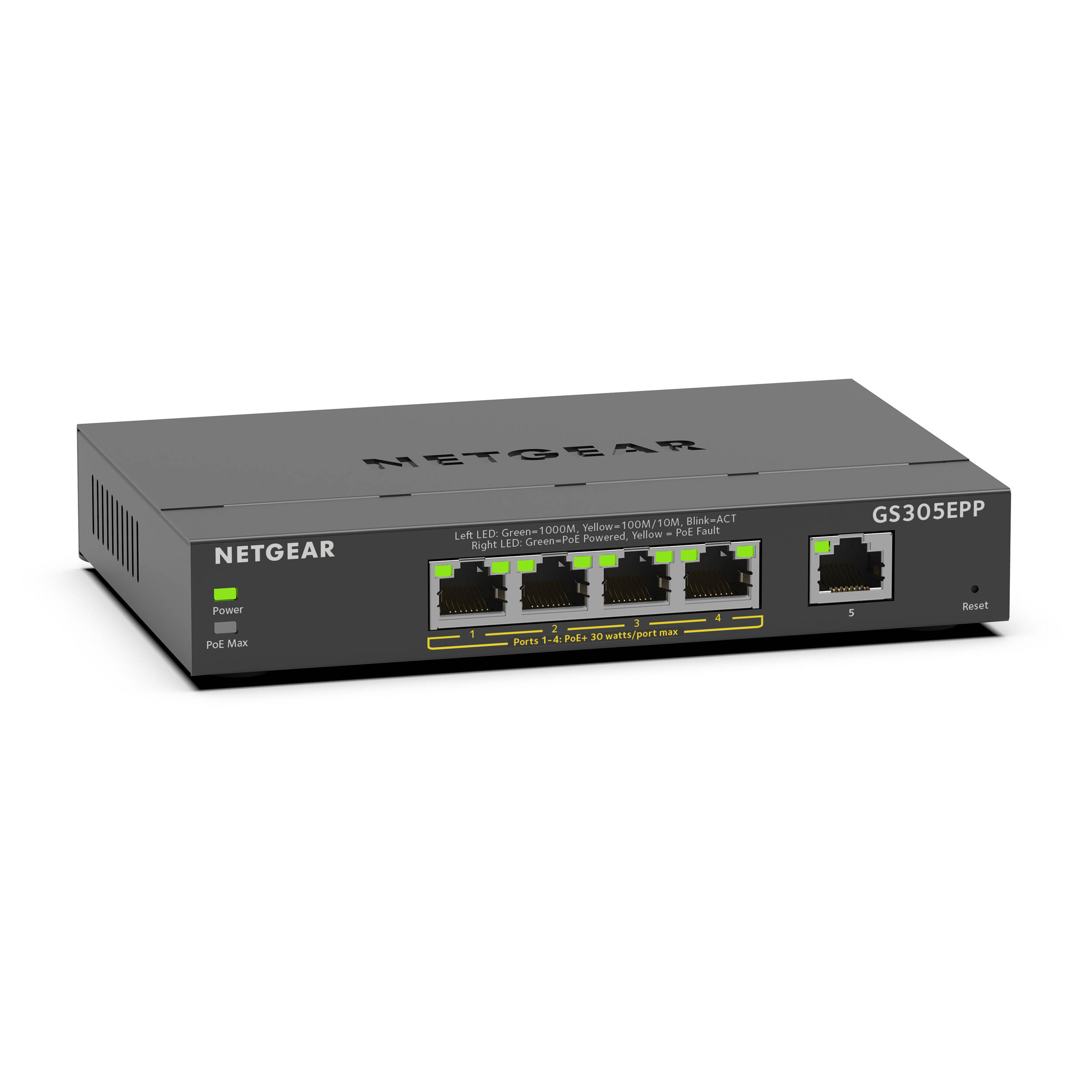
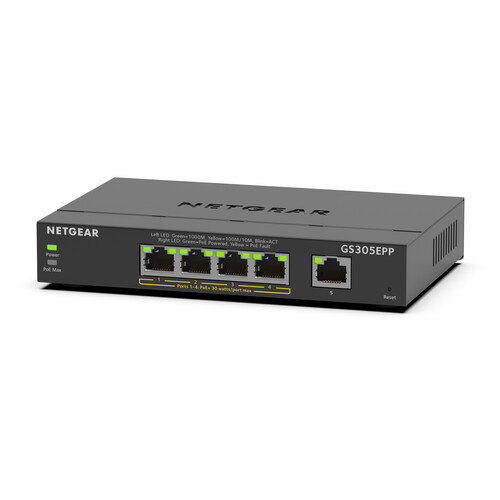
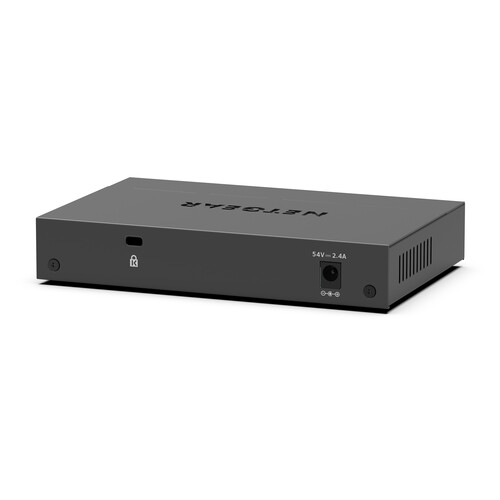
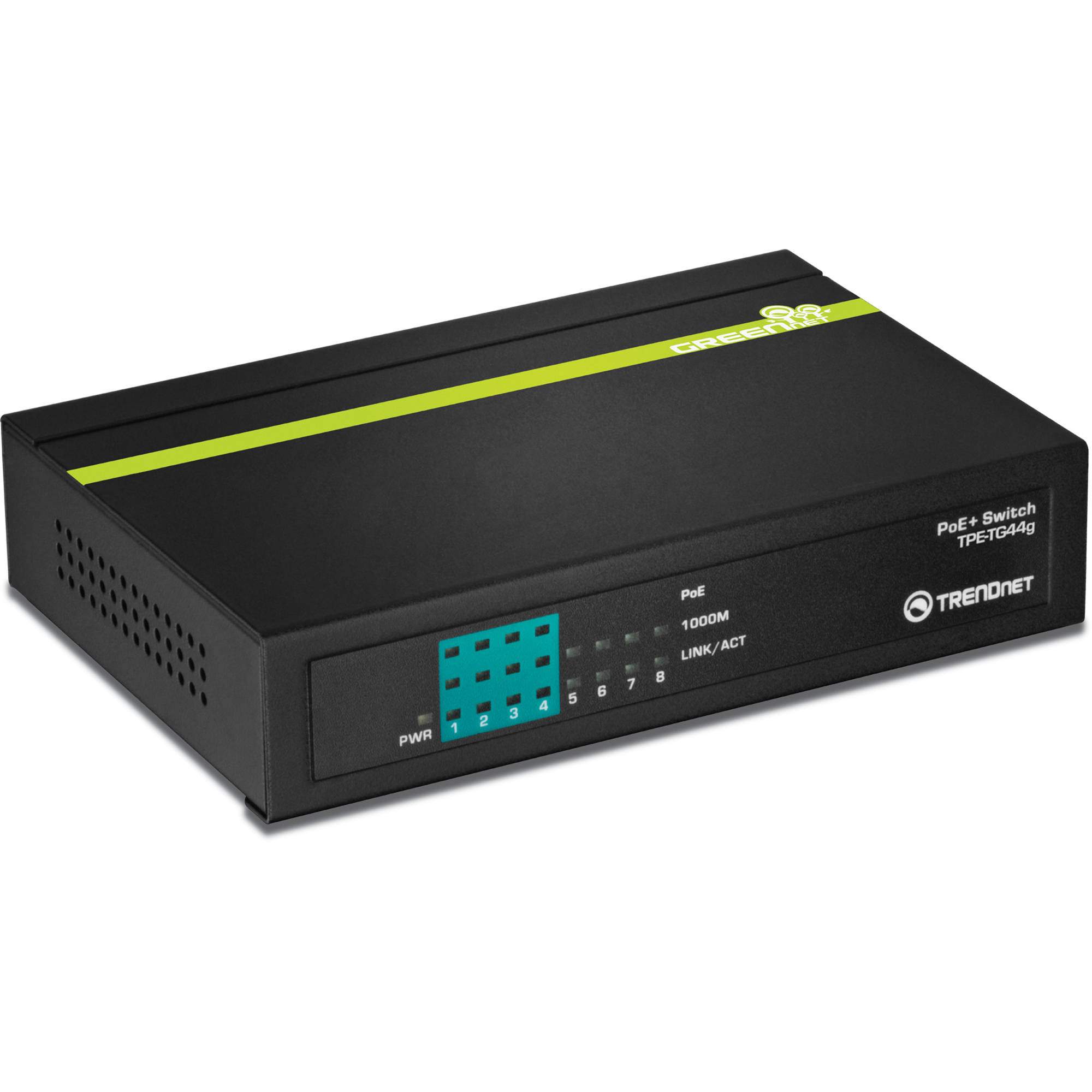
Effortlessly expand your home or business network with the Netgear GS305EPP 5-Port Gigabit PoE+ Compliant Managed Switch. This compact, yet powerful switch is designed to support a wide range of devices, including computers, storage solutions, smart TVs, IP cameras, VoIP phones, and access points, making it an ideal solution for growing networks.
Key Features:
- Five Gigabit Ethernet ports for high-speed connectivity
- Four PoE+ compliant ports with a 120W budget to power devices
- 10 Gb/s switching capacity for smooth data transfers
- VLAN traffic segmentation for enhanced security
- QoS traffic prioritization for optimized audio and video communications
- DoS attack prevention for robust network protection
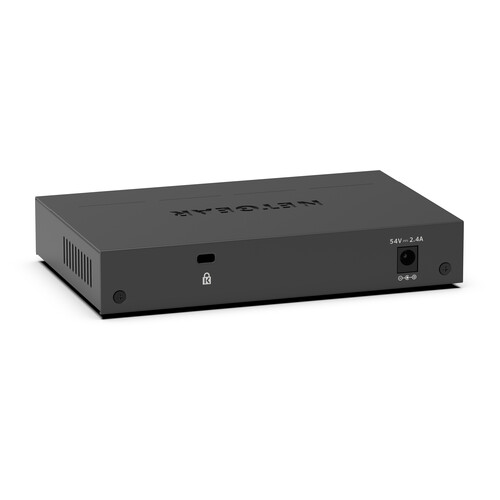
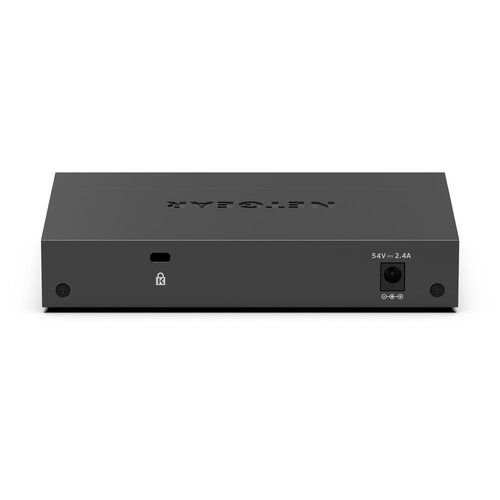
- Fanless design with a metal chassis for silent operation
- Easy setup with web-based configuration utility, no additional hardware or software required
The Netgear GS305EPP is engineered to provide a reliable and efficient networking solution. With its Gigabit Ethernet ports, you can enjoy fast data transfer rates, while the PoE+ compliance allows you to power devices such as IP cameras and VoIP phones directly through the Ethernet cable, reducing clutter and increasing flexibility.
The switch’s 10 Gb/s switching capacity ensures that your network can handle demanding applications with ease. Meanwhile, VLAN traffic segmentation helps to secure your network by isolating sensitive data and devices, providing an additional layer of security.
With QoS traffic prioritization, you can ensure that critical applications such as video conferencing and online backups receive the necessary bandwidth, while DoS attack prevention helps protect your network from malicious attacks.
The GS305EPP’s fanless design and metal chassis make it a durable and quiet addition to any workspace. It can be easily mounted on a desktop or wall, making it a versatile solution for various environments.
Setting up the Netgear GS305EPP is straightforward. Simply connect it to your router and use the intuitive web-based configuration utility to configure your network settings. With no need for additional hardware or software drivers, you can have your network up and running quickly.
Additional information
| Weight | 3.06 lbs |
|---|---|
| Dimensions | 10.4 × 6.5 × 3.4 in |
| Ports | 4 x 10/100/1000 Mb/s Gigabit Ethernet (RJ45) PoE+<br />1 x 10/100/1000 Mb/s Gigabit Ethernet (RJ45) |
| PoE Power Budget | 120 W |
| Material of Construction | Metal |
| Mean Time Between Failures (MTBF) | 853, 770 Hours |
| Cooling System | Passive |
| Storage Altitude | 10, 000' / 3048 m |
| Operating Altitude | 10, 000' / 3048 m |
| Storage Humidity | 95% |
| Storage Temperature | -4 to 158°F / -20 to 70°C |
| Operating Humidity | 90% |
| Operating Temperature | 32 to 104°F / 0 to 40°C |
| Power Supply Type | External |
| Packet Buffer | 192 kB |
| Layer Services Supported | Layer 2 Support, Layer 3 Support |
| Switching Bandwidth | 10 Gb/s (Non-Blocking) |
| Supported IEEE Standards | 802.1p, 802.1q, 802.3, 802.3ab, 802.3af, 802.3at, 802.3u, 802.3x |
| Security Features | DoS Attack Prevention<br>Kensington Lock Support<br>Storm Control |
| VLAN Groups | 64 |
| Multicast Groups | 128 |
| MAC Address Table Size | 4K |
| Jumbo Frames Support | 9216 Bytes |
| Transmission Method | Store-and-Forward |
| Queuing | Weighted Round Robin (WRR) |
| Supported Protocols | Auto-MDIX/MDI<br>IGMP Snooping<br>Link Aggregation<br>Port Mirroring |
| Indicator Lights | Link/Activity/Speed, PoE, System/Power |
Related products
Wired Networking

Wired Networking
TP-Link TL-SM311LS Mini-GBIC SFP Module – 1.25Gbps Single Mode
Wired Networking
Wired Networking
Wired Networking
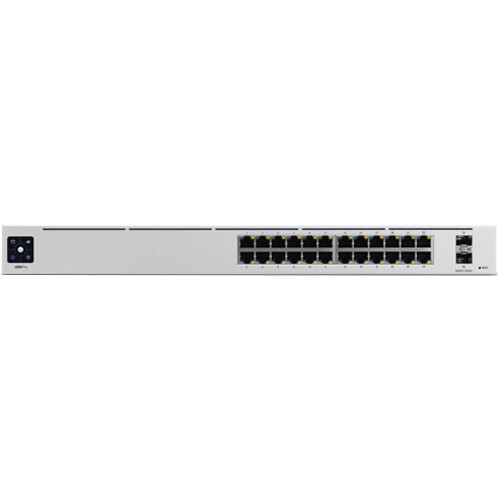
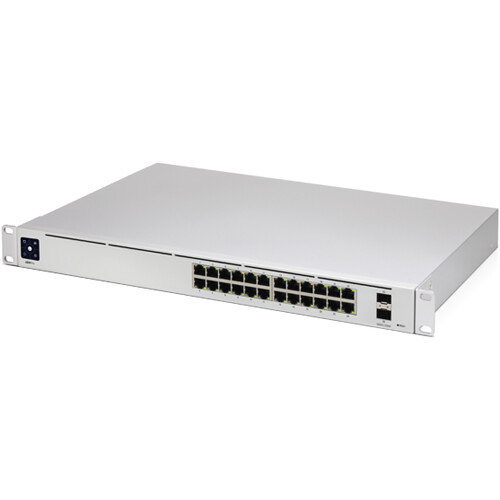
24-Port Gigabit Managed Switch with 10Gb SFP+ – Ubiquiti UniFi PRO

Wired Networking


Wired Networking
Wired Networking